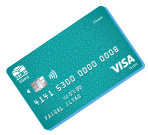
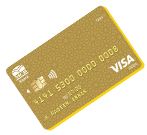
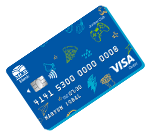
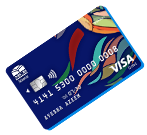
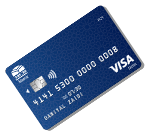
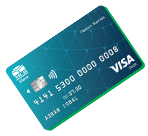
MCB Islamic Visa Platinum Debit Card
Experience unmatched convenience, top-tier lifestyle privileges, and global access with the MCB Islamic Bank Visa Platinum Debit Card. Whether you’re traveling, shopping, or managing high-value transactions, this card delivers premium functionality and seamless digital banking
Target Market
This card is tailored for High Net-Worth Individuals, frequent travelers, premium banking clients, and customers with elevated transactional needs.
Product Attributes & Criteria
Account Category: All singly operated accounts opened in PKR.
Eligibility: For Individual / Joint (Primary) / Sole Proprietor.
Card Attributes, Limits & Fee Structure

Discount Offers
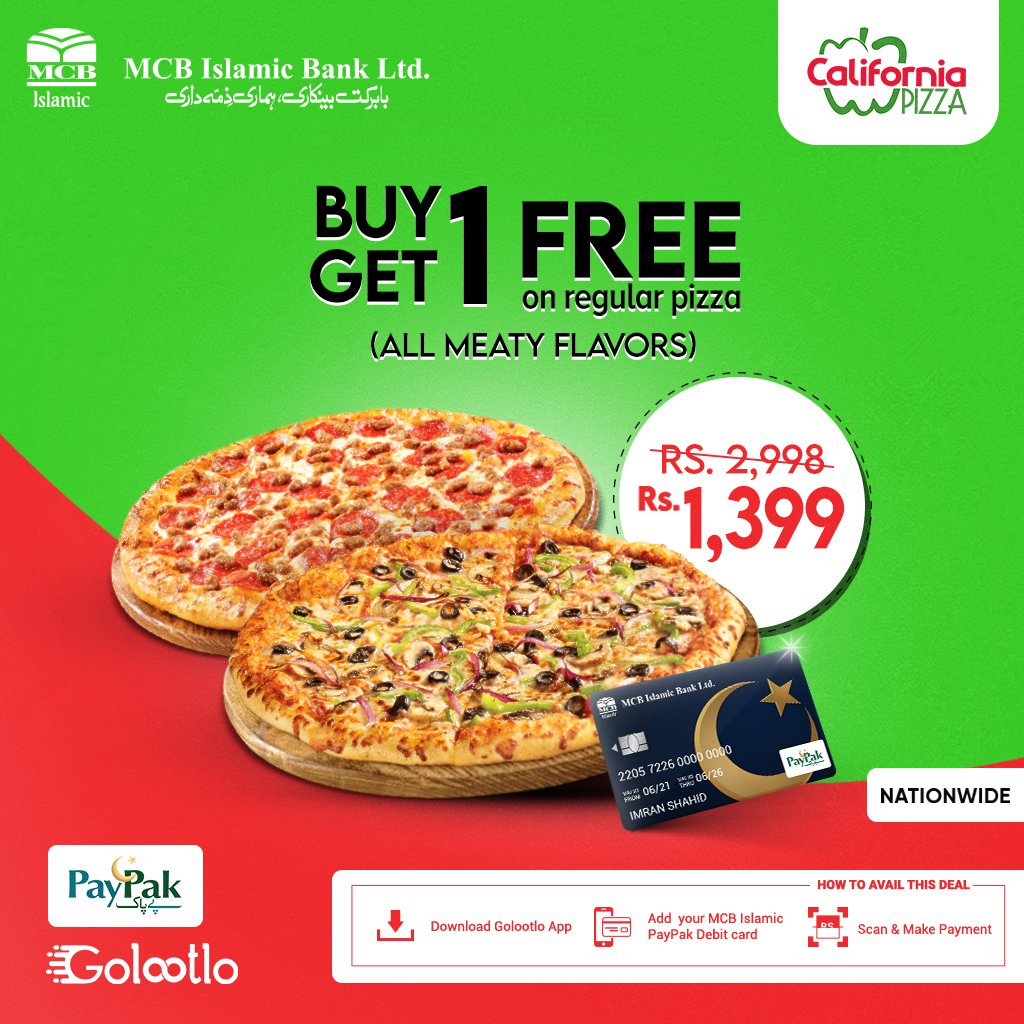
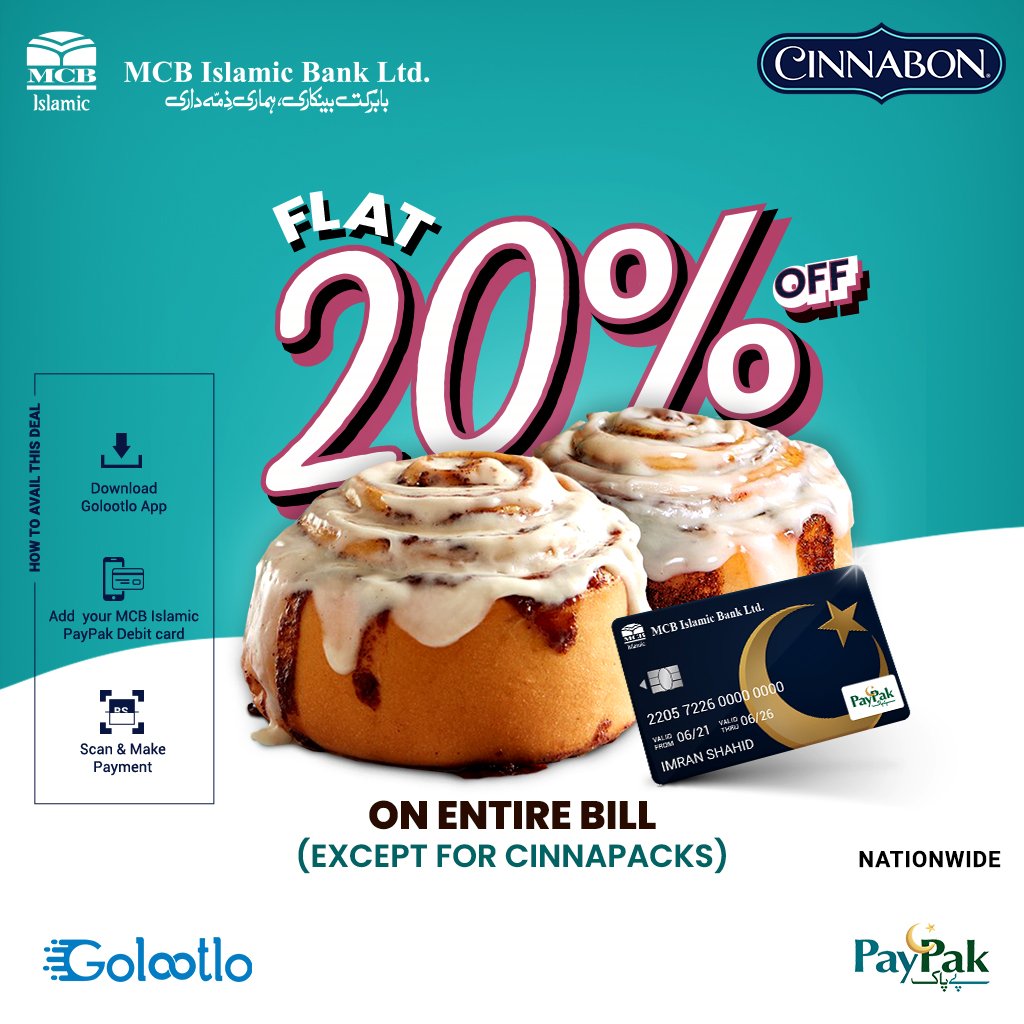
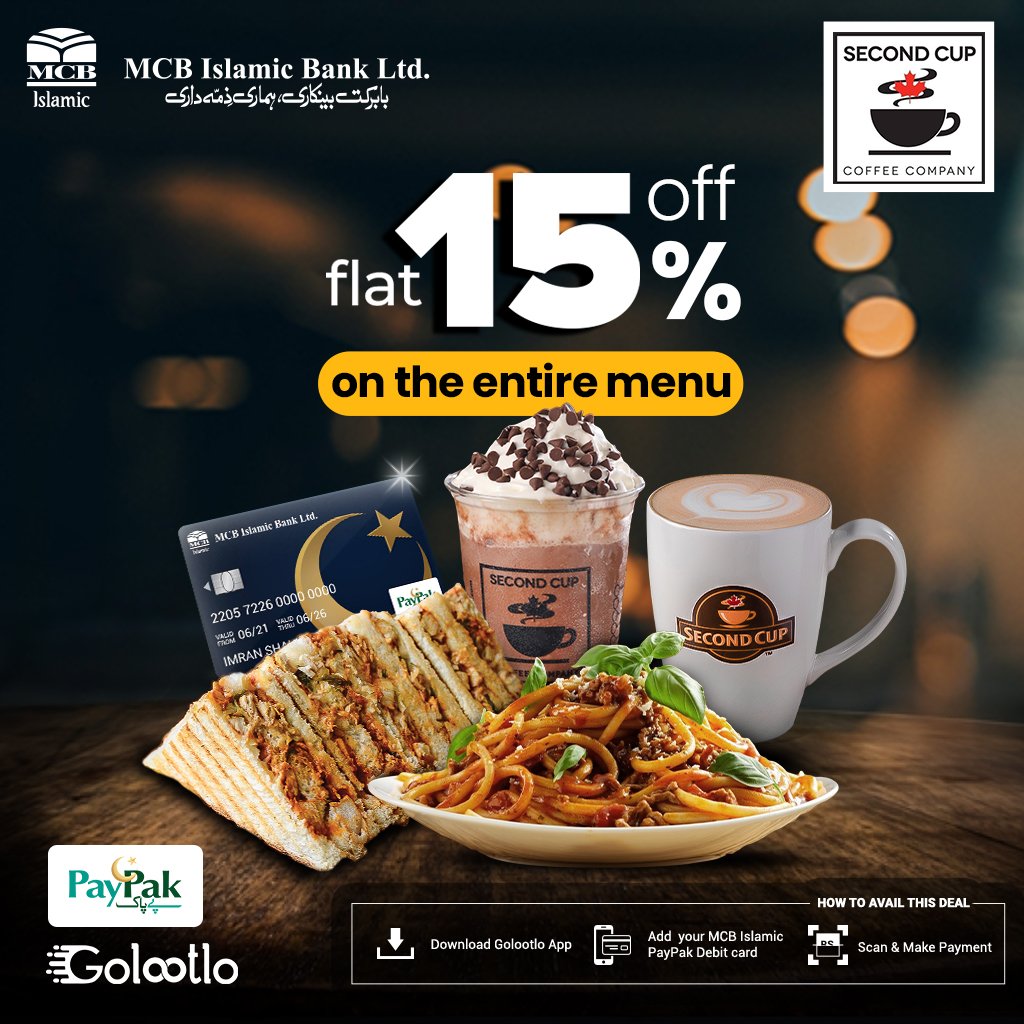
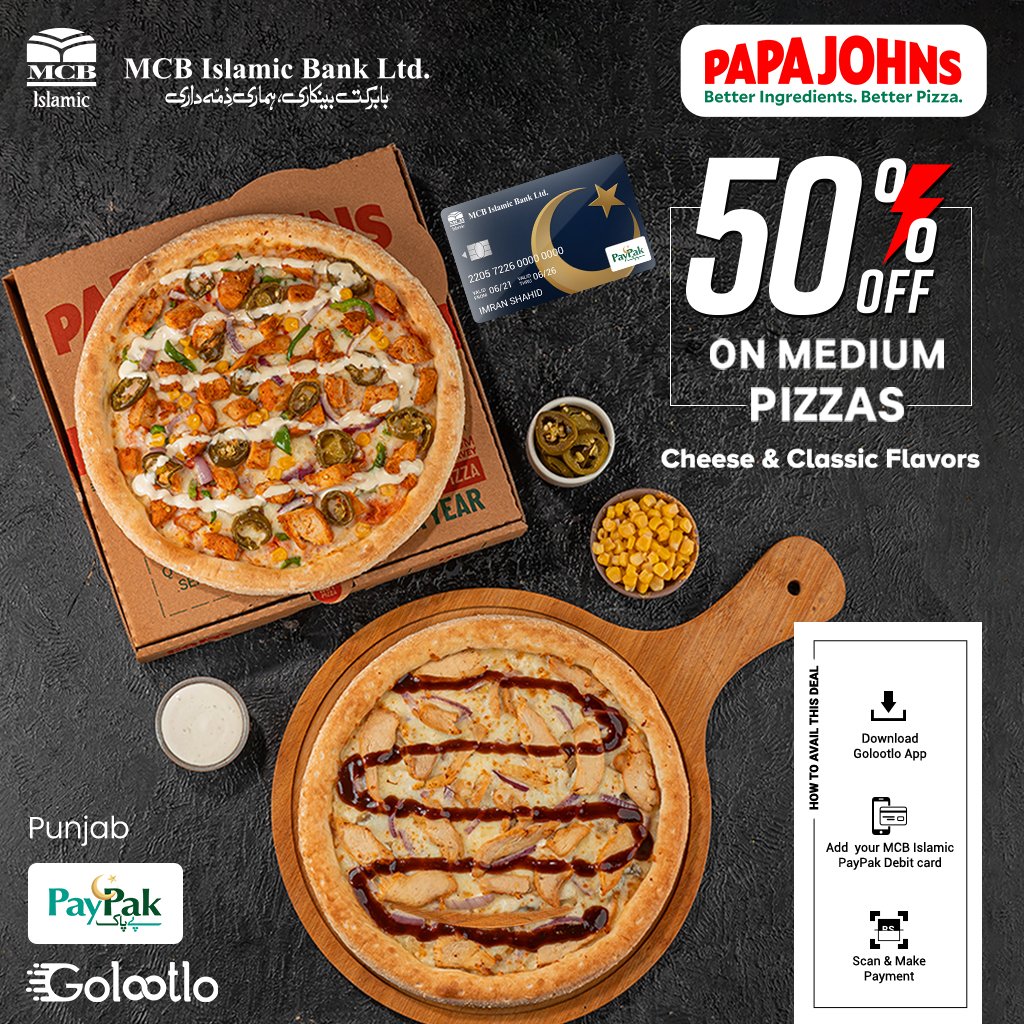
Upto 50%
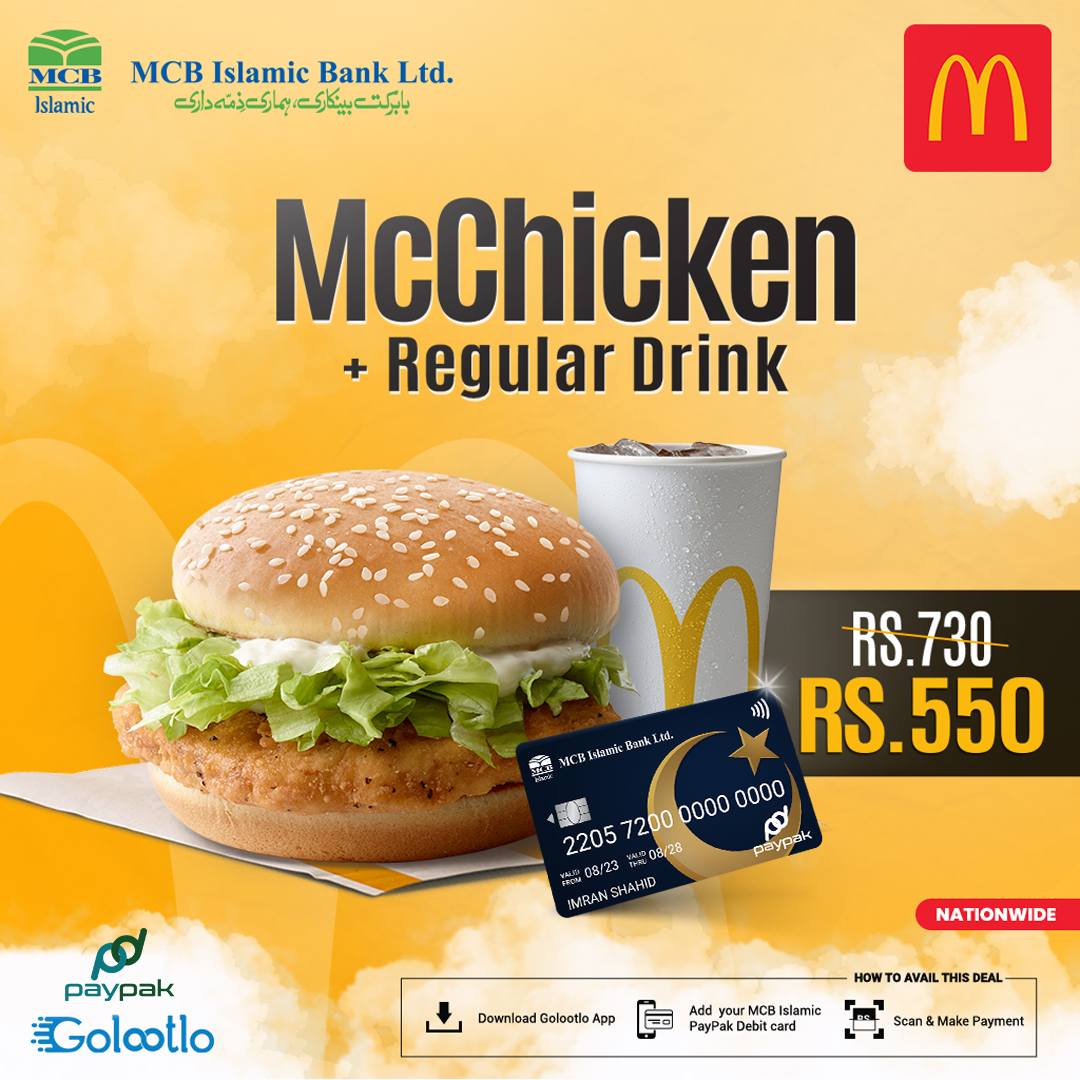
Upto 50%

Domestic / International
Cash Withdrawal
PKR 400,000 / Day
Cash Withdrawal
PKR 400,000 / Day

Funds Transfer
Within MCB Islamic
PKR 2,000,000 / Day
Within MCB Islamic
PKR 2,000,000 / Day

POS / E-Commerce (Local / Intl.)
PKR 1,000,000 / Day
PKR 1,000,000 / Day
Inter-Bank Funds Transfer
PKR 2,000,000 / Day
PKR 2,000,000 / Day
Issuance / Quarterly /
Replacement Fee
PKR 3,600 + FED
Replacement Fee
PKR 3,600 + FED
*Fee Structure
- For Prime Accounts:
-
- First Issuance: Free
- Quarterly Renewal Fee (Every 90 Days):
Waived if an average balance of PKR 3 million is maintained during the preceding 90 days.
Otherwise, PKR 3,600 + FED will be charged.
- For Other Accounts:
-
- First Issuance: PKR 3,600 + FED
- Quarterly Renewal Fee (Every 90 Days):
Waived if an average balance of PKR 3 million is maintained during the preceding 90 days.
Otherwise, PKR 3,600 + FED will be charged.
Key Features & Benefits
- Global Acceptance
Use at international ATMs, retail stores, and online merchants wherever VISA is accepted. - Enhanced Security
Chip & PIN, 3D Secure, and real-time alerts ensure your transactions are always protected. - Contactless Payments
Tap-and-go payments with NFC-enabled POS systems.
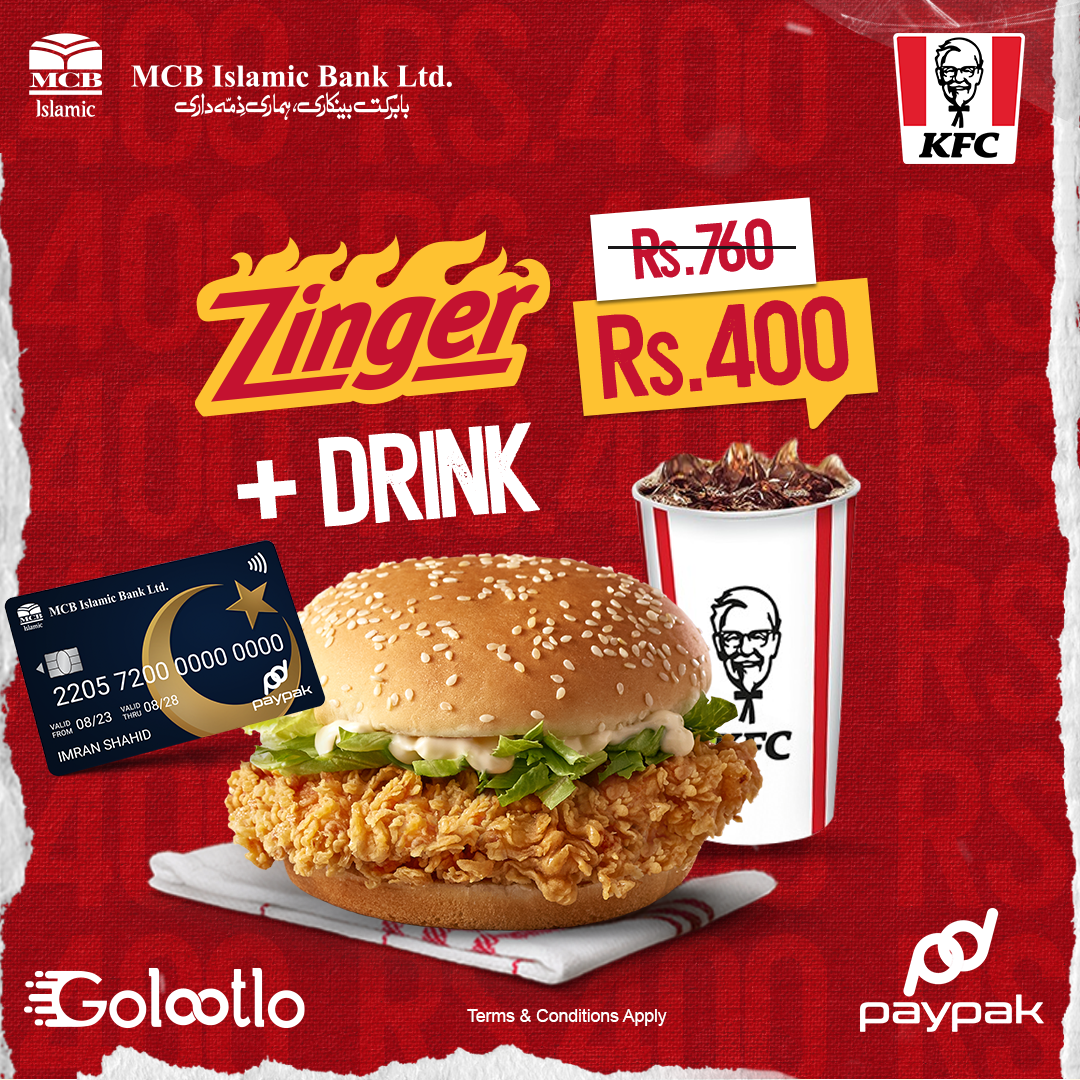
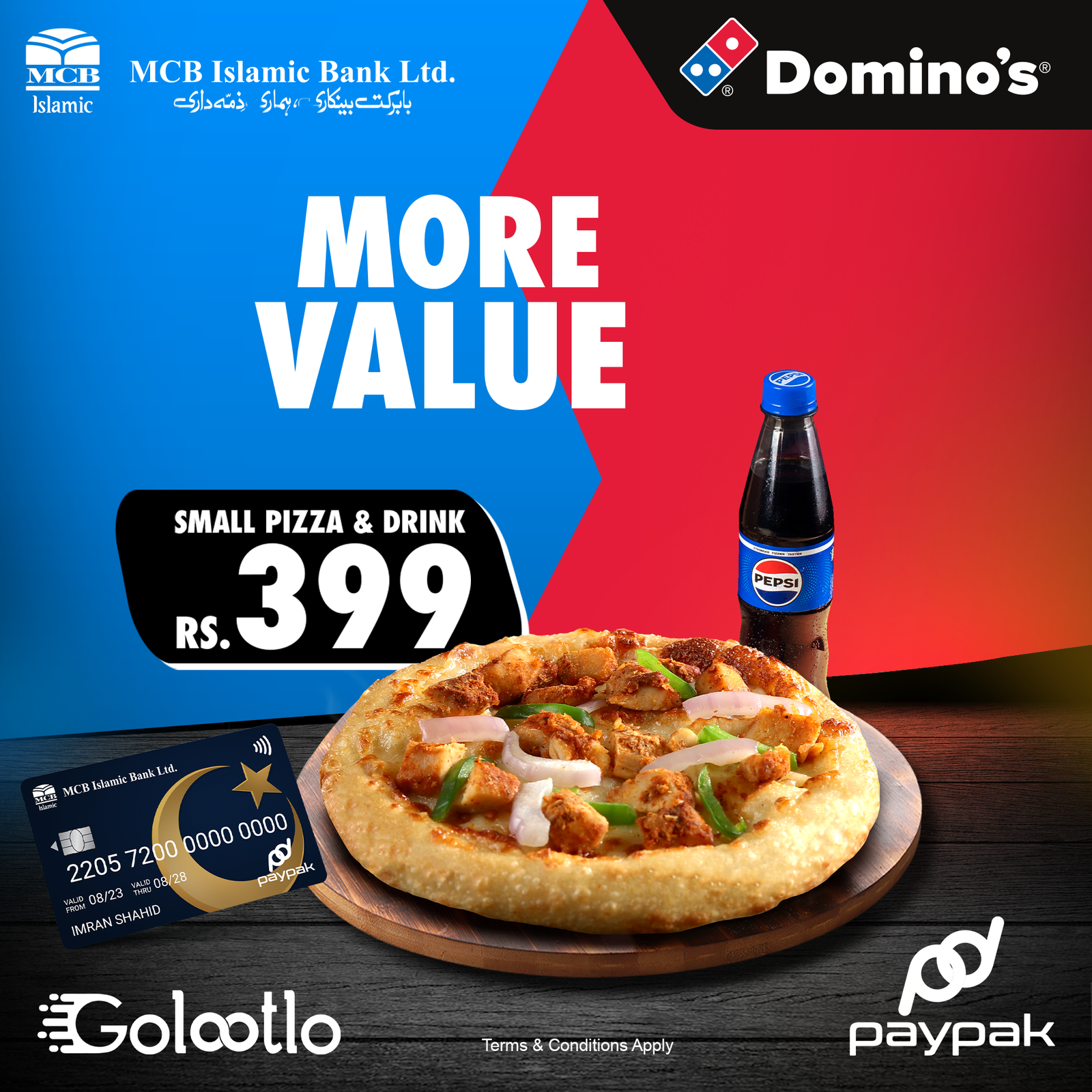
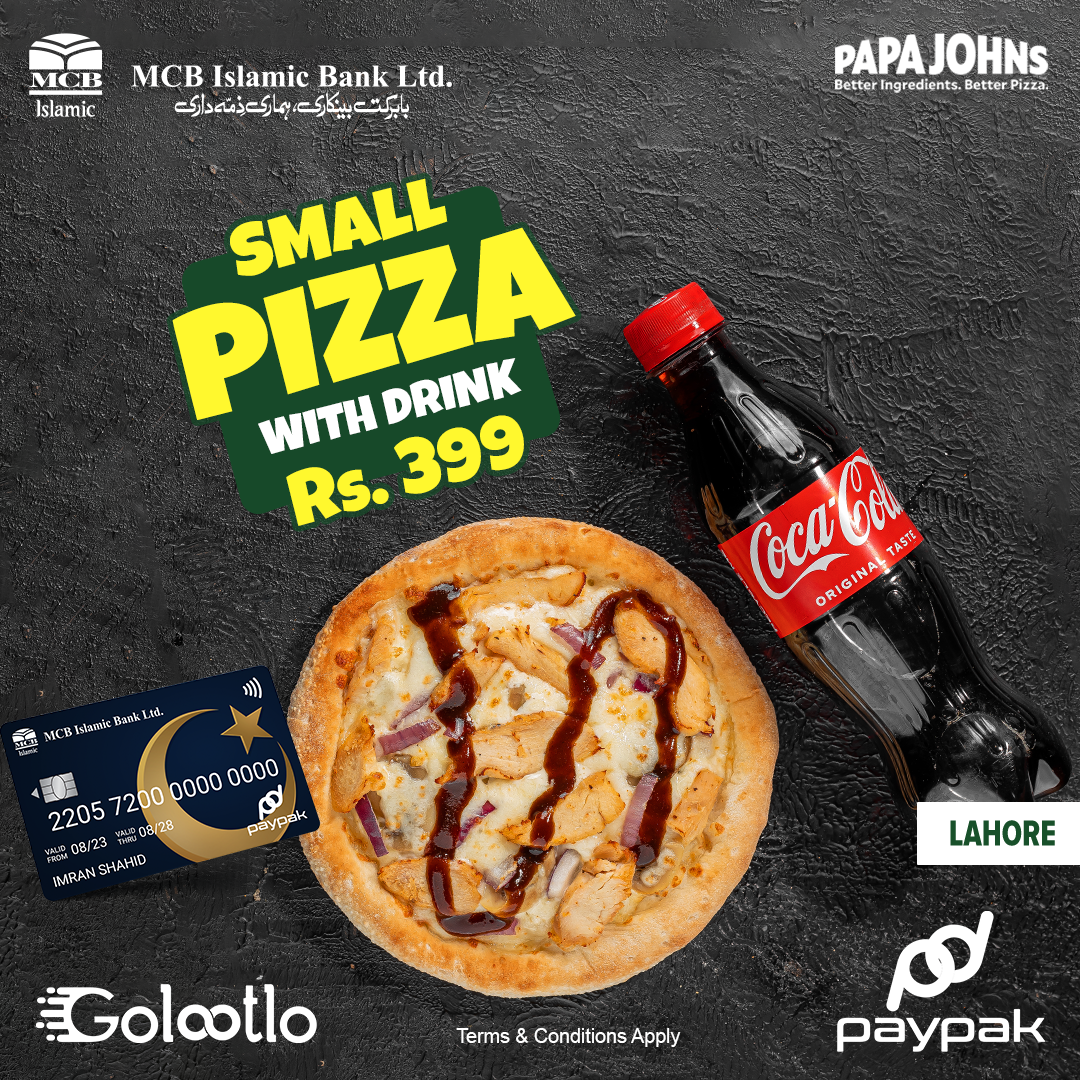
- Exclusive Discounts
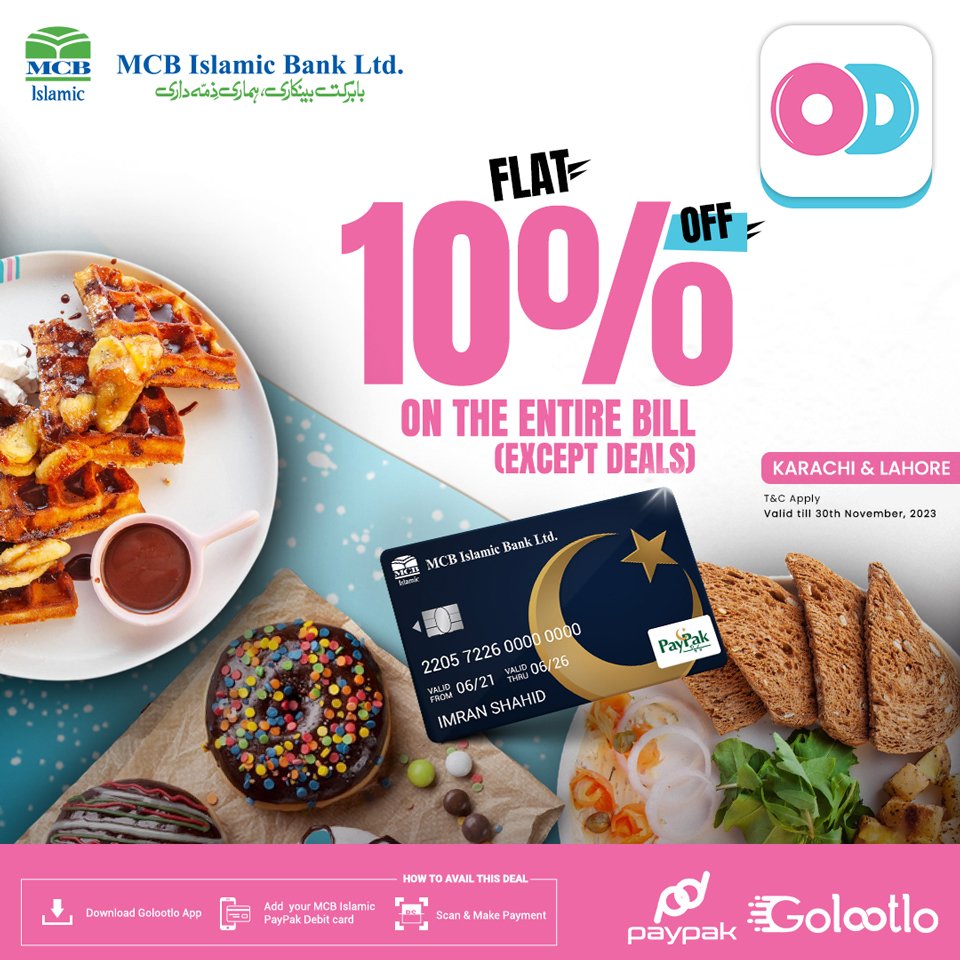
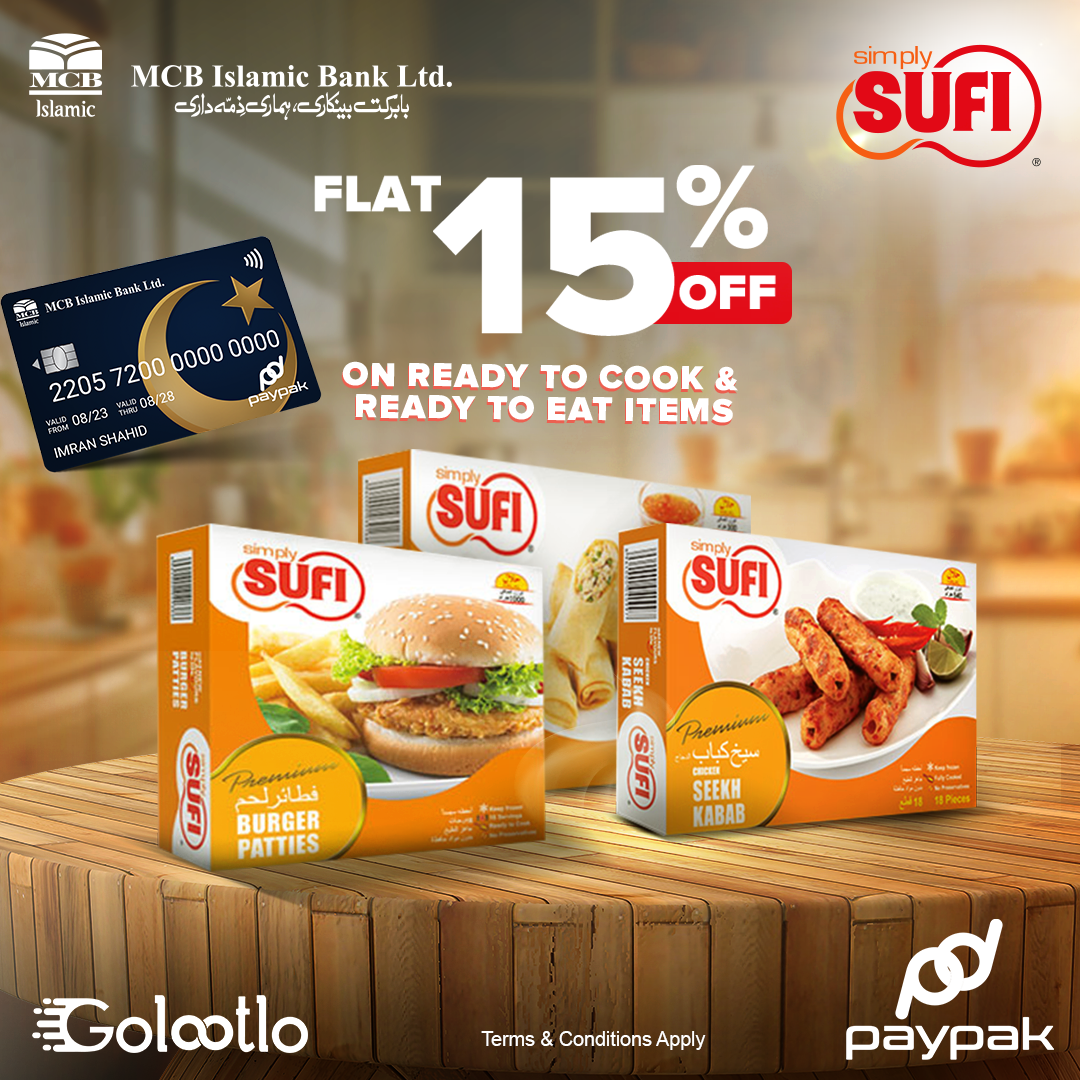
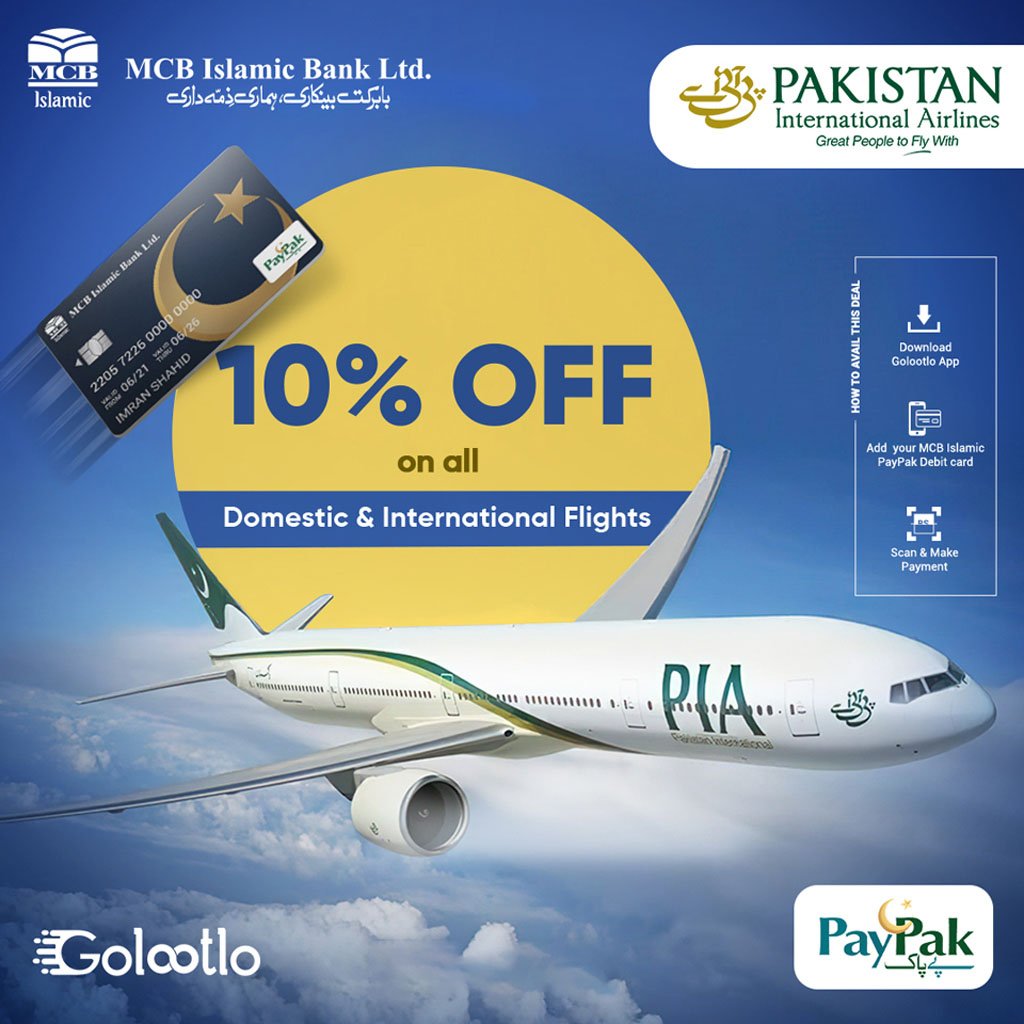
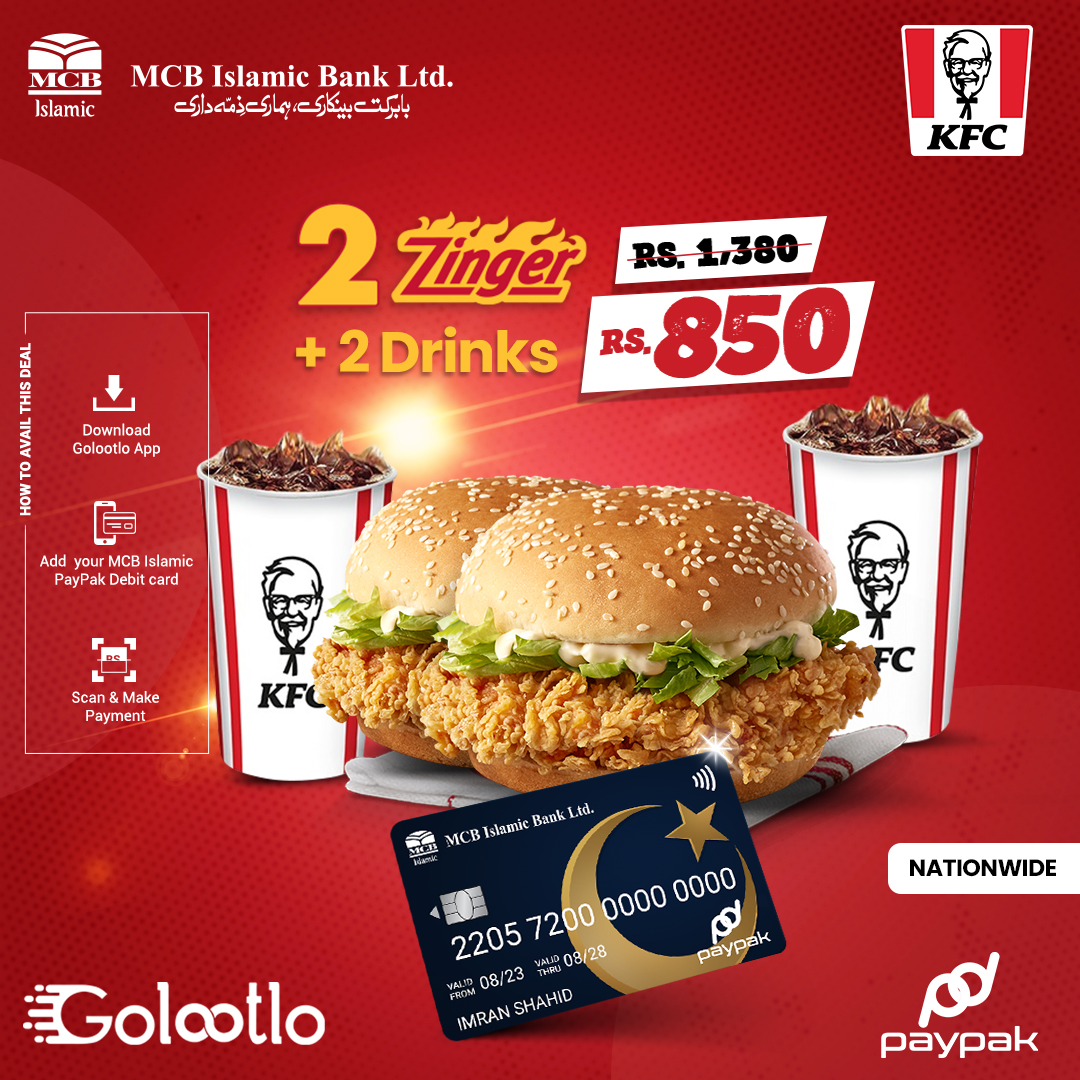
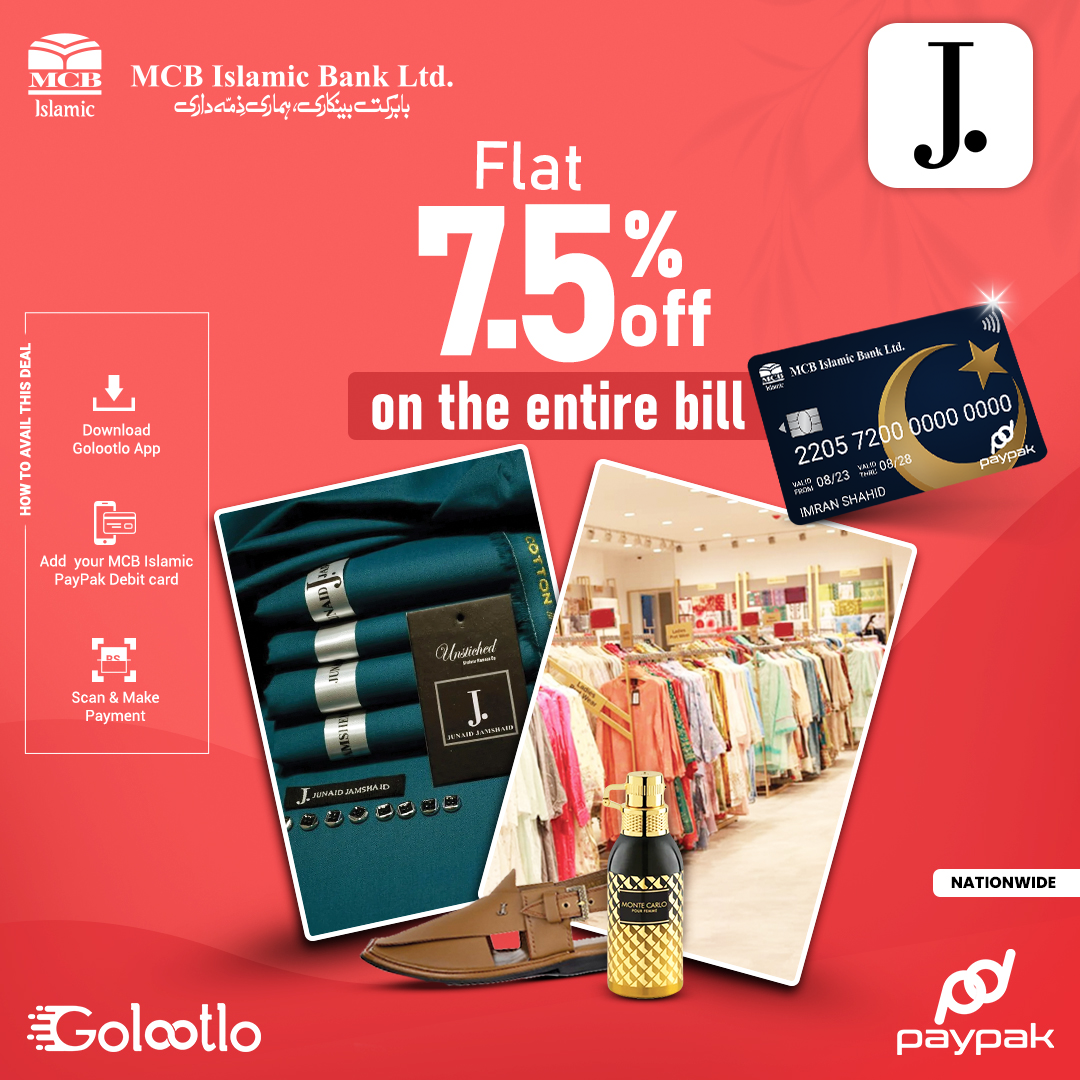
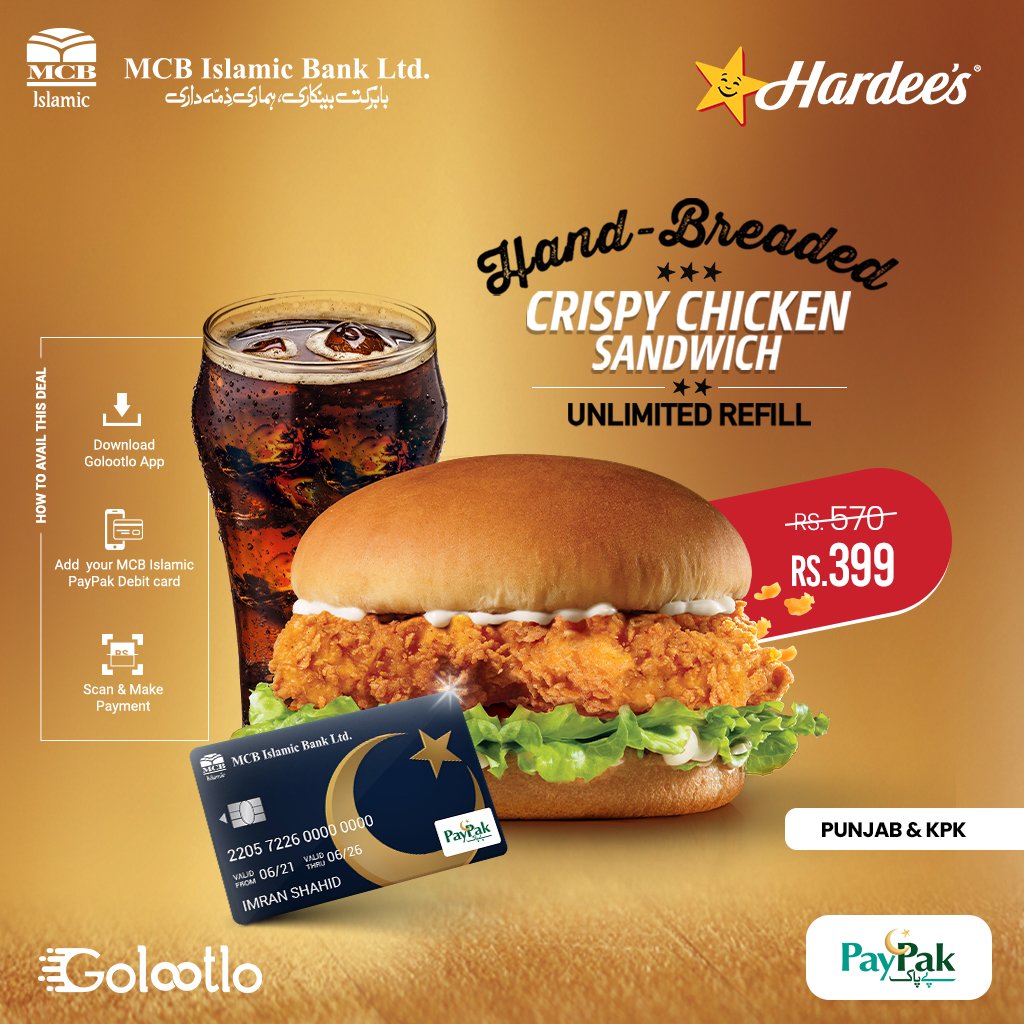
Get upto 50% off at 250+ partner restaurants, lifestyle brands & retail outlets. Click here for discounts
- Built-In Protection
This card comes with Buyer’s Protection on eligible purchases, Extended Warranty on select products, travel Insurance benefits & access to the Visa WhatsApp Support Channel for instant help and guidance.
How to Activate Your Debit Card?

MCB Islamic
SUBUK App / Internet
Banking
- Log in to the SUBUK App
- Tap on the Hub Menu
- Go to Accounts → Card Management
- Select your card
- Enter required details
- Enter T-PIN to activate

Activate via
MCB Islamic ATM
- Insert your card
- Enter CNIC number
- Enter OTP sent to your mobile
- Set new PIN & start using card

Activate via
Help Line
- Call 24/7 Phone Banking
042-111-222-642